Audience Preview Functionality Implemented Across Dashboard
Last updated: December 12, 2025
Admins can preview audiences before sending messages, adding them to journeys, or applying filters.
How to Use Audience Preview:
- Go to “Messages,” “Journeys,” or “Supporters.”
- Select an Audience Segment.
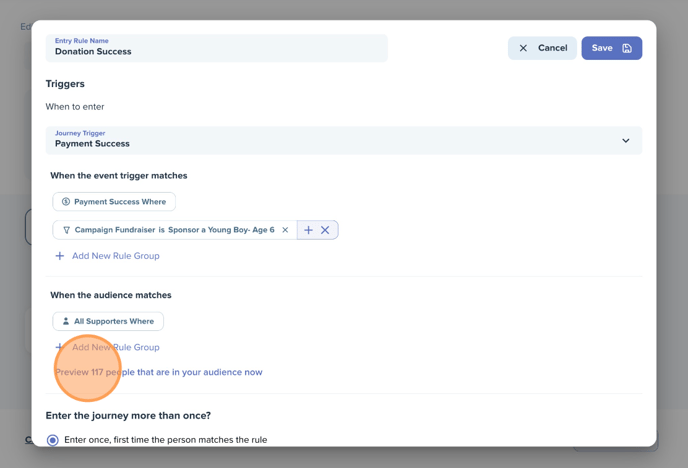
- Click “Preview Audience.”
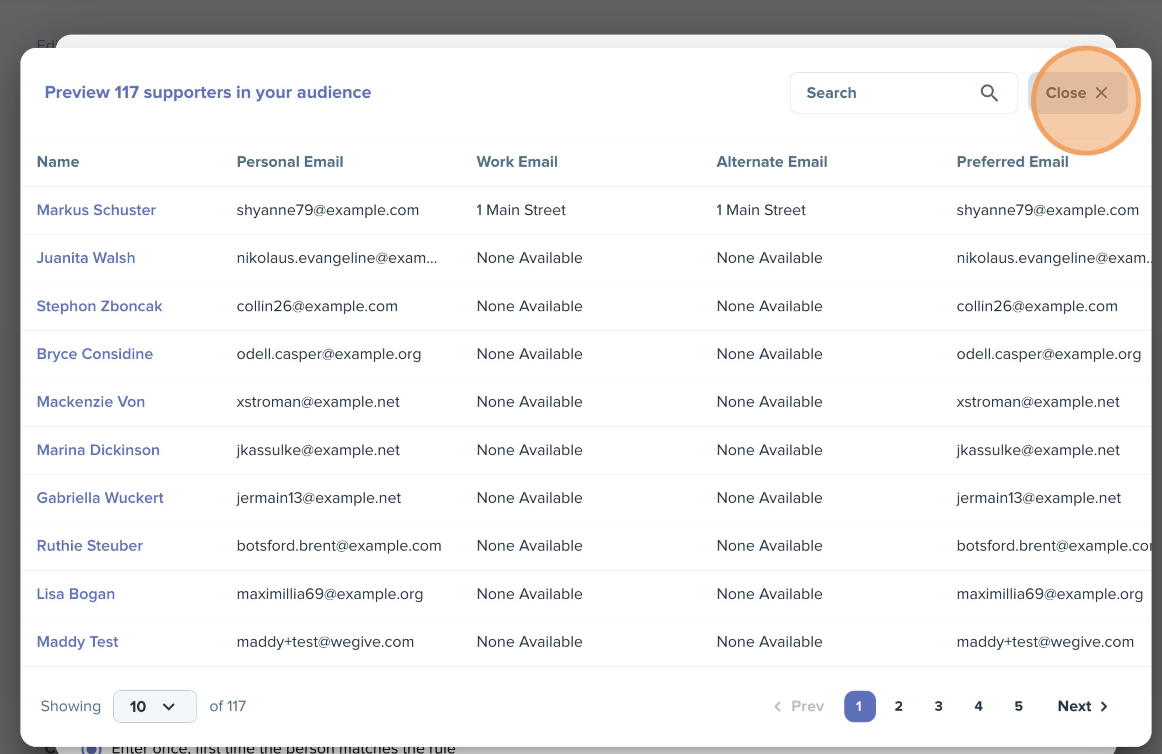
- View the List & Make Adjustments Before Sending.