Form Submissions
Last updated: December 12, 2025
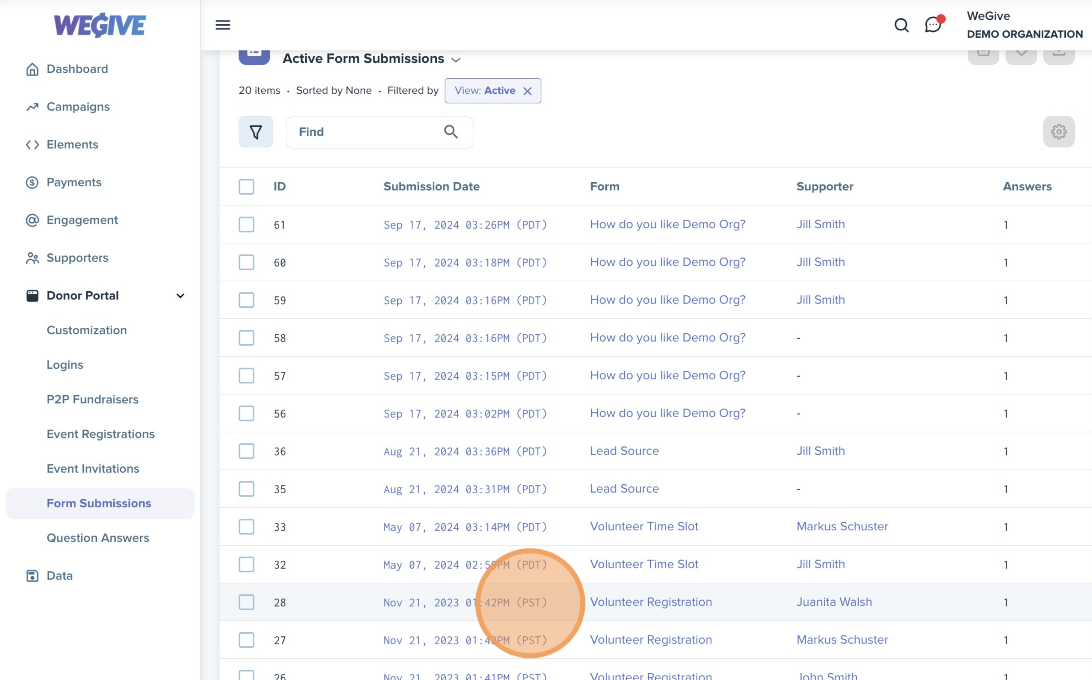
The Form Submissions Table provides a comprehensive overview of all responses submitted through your forms. This tool allows you to view and export form data efficiently.
Key Features of the Form Submissions Table:
- Filter Submissions:
-
-
- Use filters to sort responses based on specific criteria such as submission date, form name, or donor name.
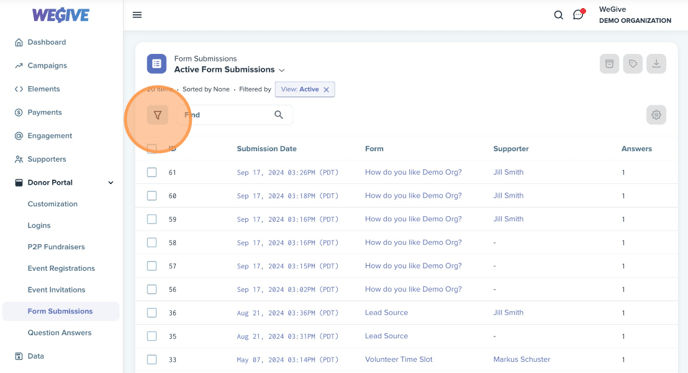
- Use filters to sort responses based on specific criteria such as submission date, form name, or donor name.
-
-
Export Data:
- Export all form answers as a CSV file sent directly to your email inbox for easy access and further analysis.
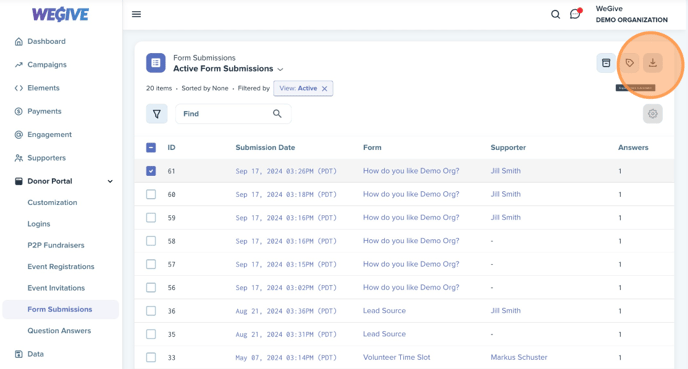
- Export all form answers as a CSV file sent directly to your email inbox for easy access and further analysis.
-
Archive Responses:
- Organize your table by archiving older or irrelevant submissions. These can be restored from the Archived tab to keep them accessible for future reference.
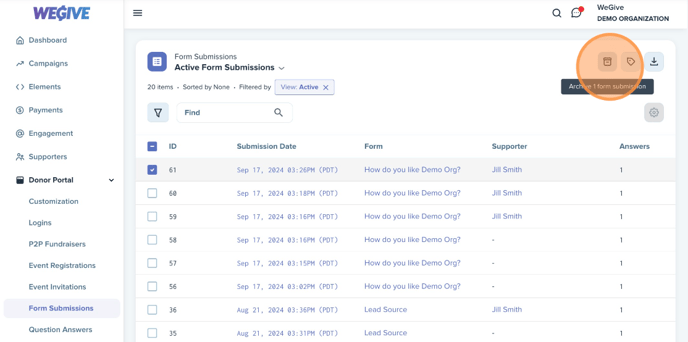
- Organize your table by archiving older or irrelevant submissions. These can be restored from the Archived tab to keep them accessible for future reference.
-
Tag Supporters:
- Add Supporter Tags to submissions to tag supporters based on their Form submission and responses.
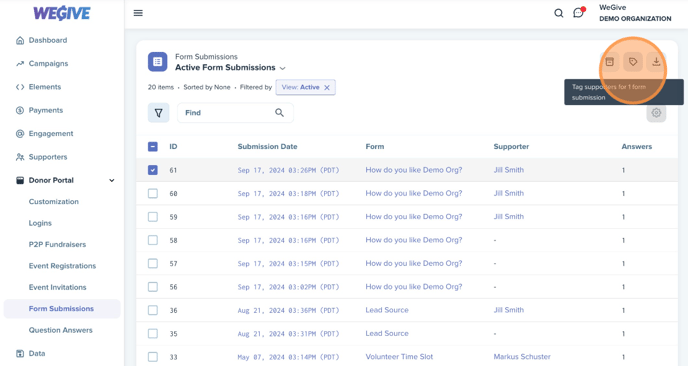
- Add Supporter Tags to submissions to tag supporters based on their Form submission and responses.
5. View Individual Answers:
-
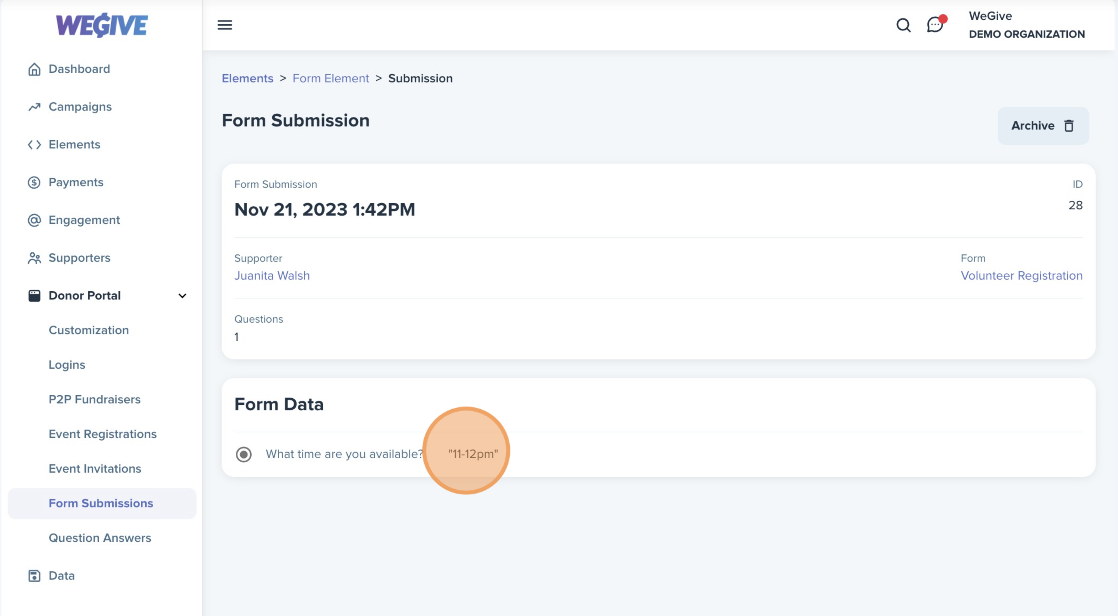
- Click on the submission date to see a Supporter's response to the form.