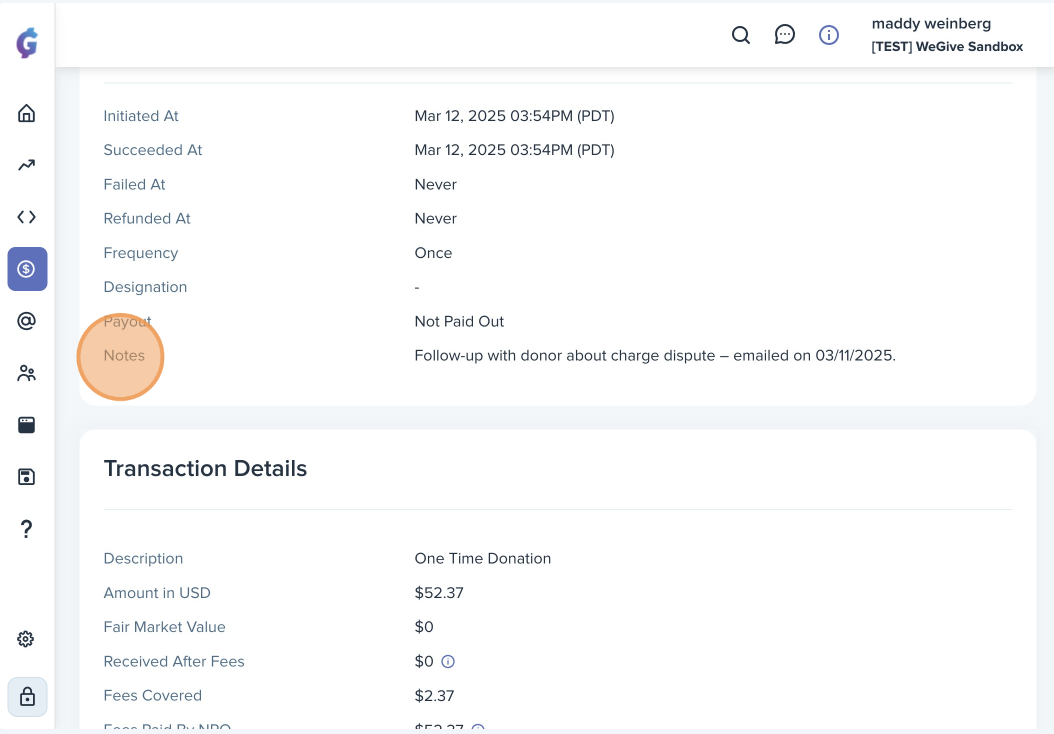
Notes Field on Transactions - Internal Documentation for Payments
Last updated: December 12, 2025
Admins can now add notes to transactions for internal tracking.
How to Use:
- Edit a Transaction.
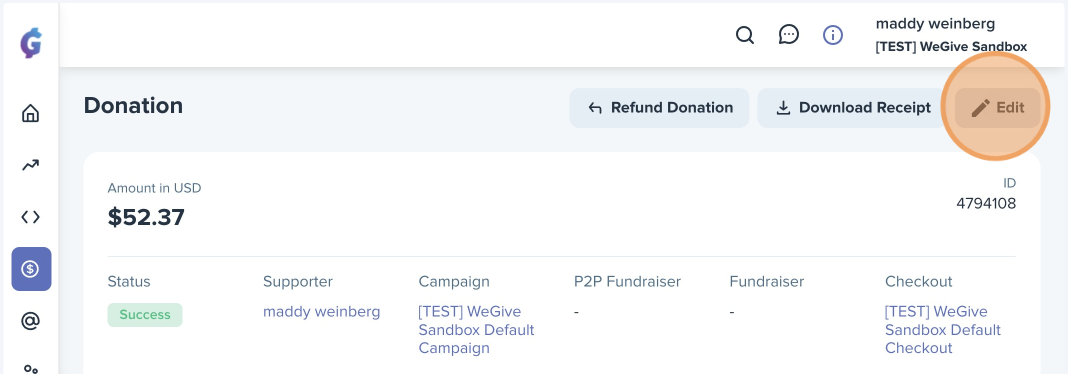
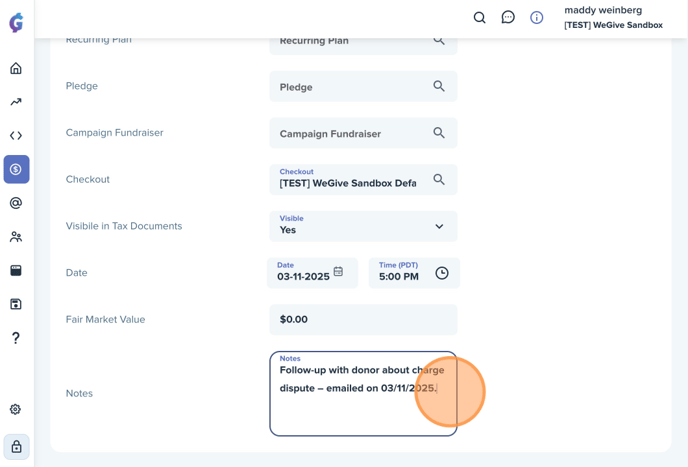
- Navigate to the "Notes" Field.
- Enter Note details.
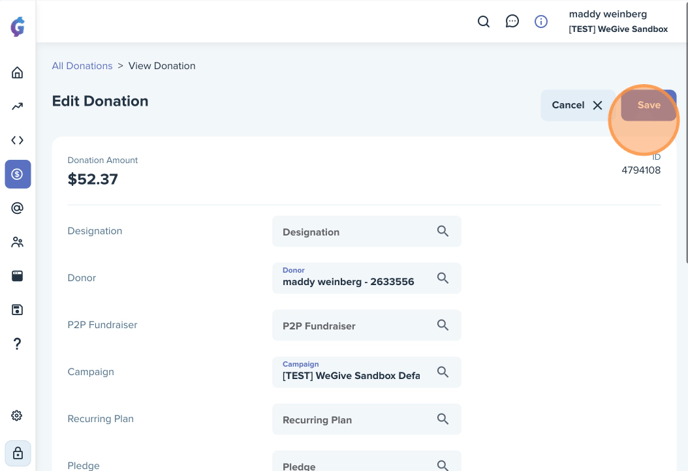
- Click Save.
All notes on transactions are visible directly from the Transaction View page.